
Download BlockCAD – CAD, Block-Based Design, Lego-Inspired, 3D Modeling, Creative Tool
Overview
BlockCAD is a distinctive mobile application designed for creative individuals seeking a playful yet powerful approach to digital design. The app leverages a block-building interface inspired by the iconic Lego brand, transforming complex 3D modeling into an intuitive and engaging experience. Its primary purpose is to enable users to conceptualize, construct, and visualize projects using modular building blocks, making it accessible to beginners while still offering depth for more experienced designers. By simplifying the CAD process through a tactile, drag-and-drop interface, BlockCAD helps users overcome the steep learning curve typically associated with traditional 3D modeling software.
The app targets a broad audience, including students, hobbyists, educators, and young designers who benefit from a visual, hands-on approach to creativity. It is particularly well-suited for STEM education, design workshops, and informal prototyping. While the developer did not provide additional background information, the app’s long-standing presence since its release on August 3, 2010, suggests a stable and enduring platform. Real-world use cases include designing miniature structures, vehicle models, and imaginative architectural concepts. In the mobile app ecosystem, BlockCAD fills a niche by offering a lightweight, accessible alternative to professional CAD tools, emphasizing fun and exploration over technical precision.
Key Features & Functionality
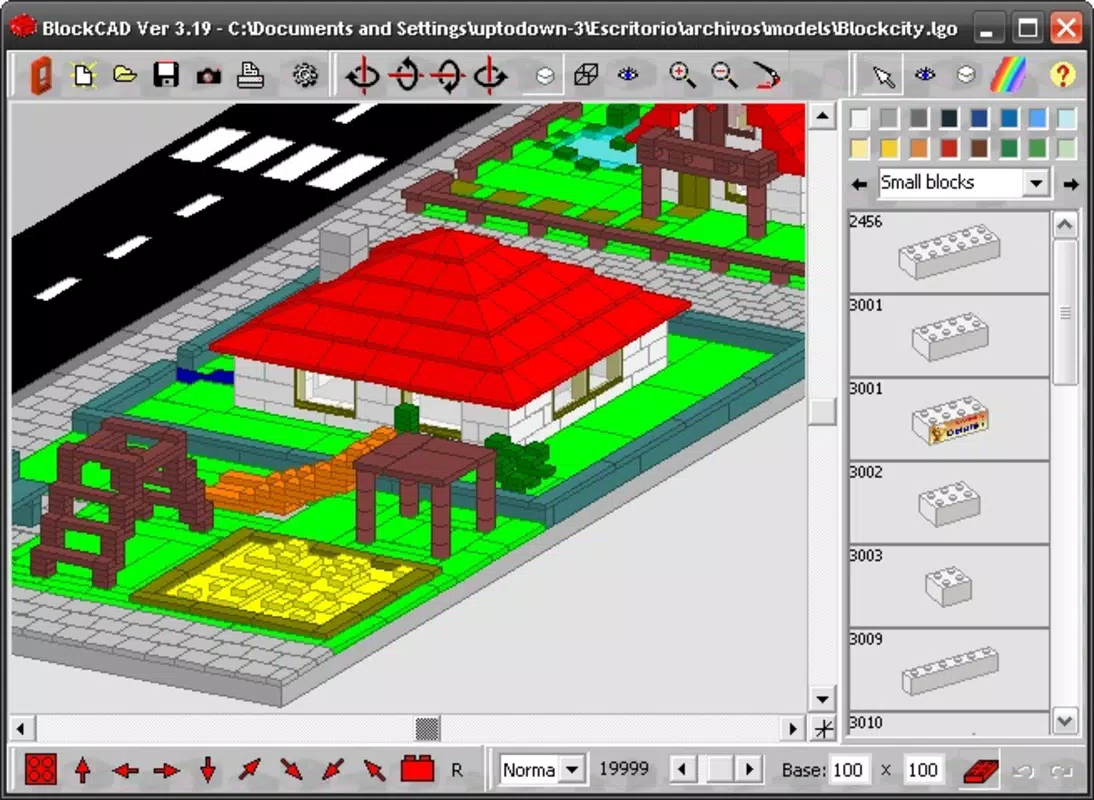
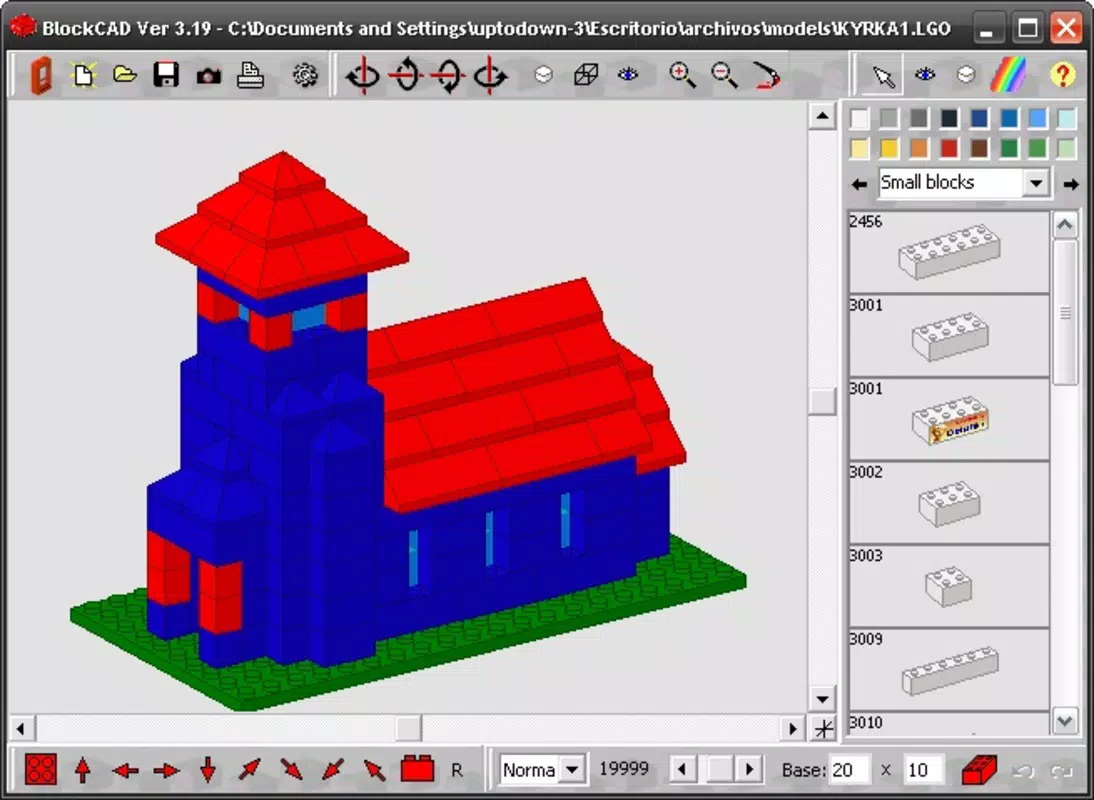
BlockCAD’s functionality centers around its innovative block-based design system, which reimagines 3D modeling through a Lego-like interface. This approach allows users to assemble digital models by selecting and placing individual blocks, fostering creativity and reducing the complexity of traditional modeling workflows. The app’s comprehensive project editor supports up to ten different views simultaneously, enabling users to monitor their designs from multiple angles—such as front, side, top, and isometric—without switching screens. This multi-view capability enhances precision and helps users detect design flaws early.
- Innovative Block-Based Design: Users build models by snapping together modular blocks, promoting an intuitive and tactile design process ideal for all age groups.
- Comprehensive Project Editor: The inclusion of up to ten customizable views ensures detailed oversight and supports complex project development.
- Flexible Viewing and Rotation: Full 360-degree rotation allows users to inspect every aspect of their creation, improving spatial awareness and design accuracy.
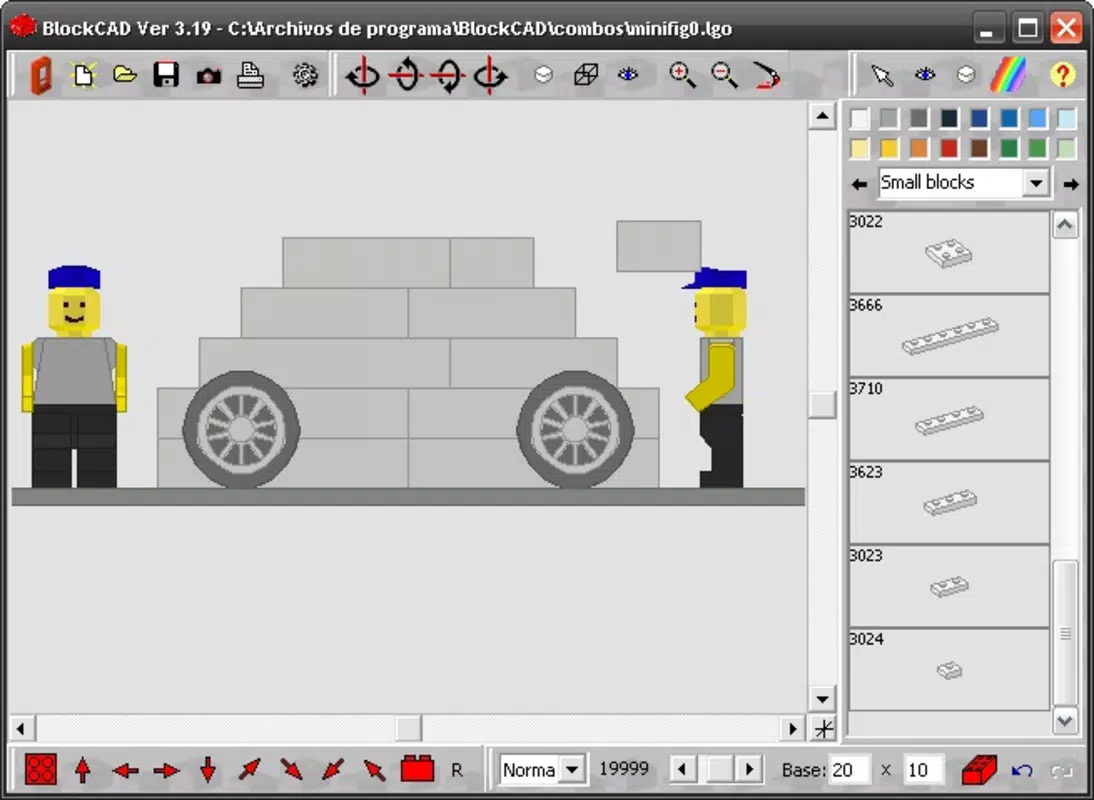
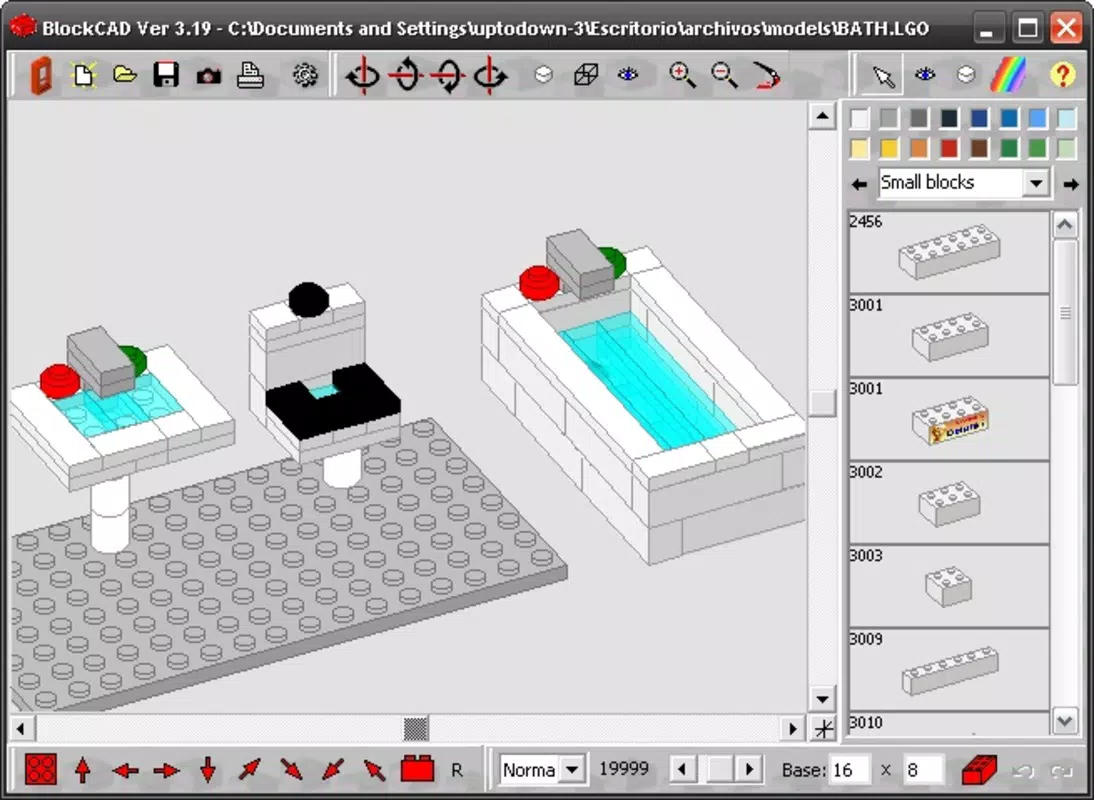
- Diverse Piece Library: A categorized collection of blocks includes vehicle parts, accessories, and structural elements, supporting varied project types from vehicles to buildings.
- Easy Export Options: Designs can be saved in widely supported formats like JPG and BMP, enabling seamless sharing, printing, or integration into other digital projects.
For example, a student could use BlockCAD to build a scaled model of a futuristic city, rotate it to examine street layouts, and export it as a high-resolution image for a school presentation. Similarly, a hobbyist might design a custom Lego-style vehicle and share it with a community forum. These features collectively make BlockCAD a versatile utility for visual ideation and creative expression.
Interface, UX & Performance
The user interface of BlockCAD is designed with simplicity and clarity in mind, prioritizing ease of navigation over visual complexity. The layout organizes tools and the block library in a clean, grid-based interface that allows quick access to essential functions. Users can select, place, and manipulate blocks with minimal taps, thanks to a responsive touch-based system. The app’s navigation flow is linear and logical: users begin by choosing a block type, place it on the workspace, and then adjust its position, rotation, or color through intuitive controls.
Although the developer did not list formal performance metrics, the app’s long-standing availability suggests consistent stability across a range of devices. Users can expect smooth interaction during block placement and rotation, with minimal lag during standard operations. The interface maintains responsiveness even when managing moderately complex models. While specific device compatibility details were not disclosed, the app appears optimized for touch-screen interaction, making it suitable for smartphones and tablets. The visual style is minimalistic, focusing on functionality and clarity rather than decorative elements, which helps reduce cognitive load and keeps the user’s attention on the design process.
Platform Compatibility & Technical Requirements
BlockCAD is available on the Android platform, with a software version and file size provided. The app was released on August 3, 2010, indicating a long-standing presence in the mobile application market. Specific operating system requirements were not listed, so compatibility with modern Android versions cannot be confirmed without further details. The developer did not specify minimum OS requirements, nor did they provide information about supported screen sizes or hardware specifications.
Given the app’s age, users may encounter compatibility challenges on newer Android devices, particularly those running Android 12 or higher. However, the app’s lightweight file size suggests it is designed for efficient performance on devices with limited resources. For users seeking to install BlockCAD, it is recommended to verify device compatibility through the official source or app store listing. The app’s availability on Android indicates a focus on accessibility and broad reach, particularly in educational and hobbyist communities.
Pros and Cons
Pros
- Intuitive block-based interface that simplifies 3D design for beginners.
- Supports multiple views for enhanced design accuracy and oversight.
- Offers full 360-degree rotation for comprehensive project inspection.
- Includes a diverse library of pre-made blocks for varied creative applications.
- Allows export to common image formats like JPG and BMP for easy sharing.
Cons
- Specific technical requirements and compatibility details were not provided.
- Age of the app may result in limited support for newer Android versions.
- No mention of cloud sync, collaboration features, or real-time updates.
- Export options are limited to image formats; no 3D file export (e.g., STL, OBJ) was indicated.
- Developer did not provide information about future updates or ongoing support.
FAQ
Is BlockCAD free to download and use?
The app’s pricing information was not disclosed. Users should check the official app store listing for current pricing and availability.
Can I use BlockCAD on iOS devices?
Based on the available information, BlockCAD is only confirmed to be available on Android. No official iOS version was mentioned.
What file formats can I export my designs in?
Users can save their completed projects in standard image formats such as JPG and BMP, which are widely supported across platforms.
Is BlockCAD suitable for educational use?
Yes, its block-based design system makes it an ideal tool for teaching spatial reasoning, creativity, and basic design principles in classroom or workshop settings.
Does BlockCAD support 3D printing?
There is no indication that BlockCAD supports export to 3D printable file formats like STL or OBJ. Users interested in 3D printing may need to use additional software for conversion.
Final Thoughts
BlockCAD stands out as a unique and creative tool in the mobile CAD landscape, offering a refreshing alternative to conventional modeling software. Its Lego-inspired interface lowers the barrier to entry for users of all ages, making it an excellent choice for educators, students, and hobbyists. The app’s emphasis on visual creativity, multi-angle viewing, and easy export enhances its utility for both learning and personal projects. While its age and lack of detailed technical specifications may raise concerns about modern compatibility, its core functionality remains relevant and engaging.
For anyone looking to explore 3D design in a fun, accessible way, BlockCAD delivers strong value. Whether you're building a miniature city or prototyping a vehicle concept, the app provides the tools to bring ideas to life. Despite some limitations in file export and platform support, its enduring design philosophy continues to inspire creativity.
Download BlockCAD now


